Replay any GGPoker hand in your browser. Paste or drop the hand history from PokerCraft, step through every action, and send it to a friend or coach as a link.
Free. No account. Your hands stay on your device.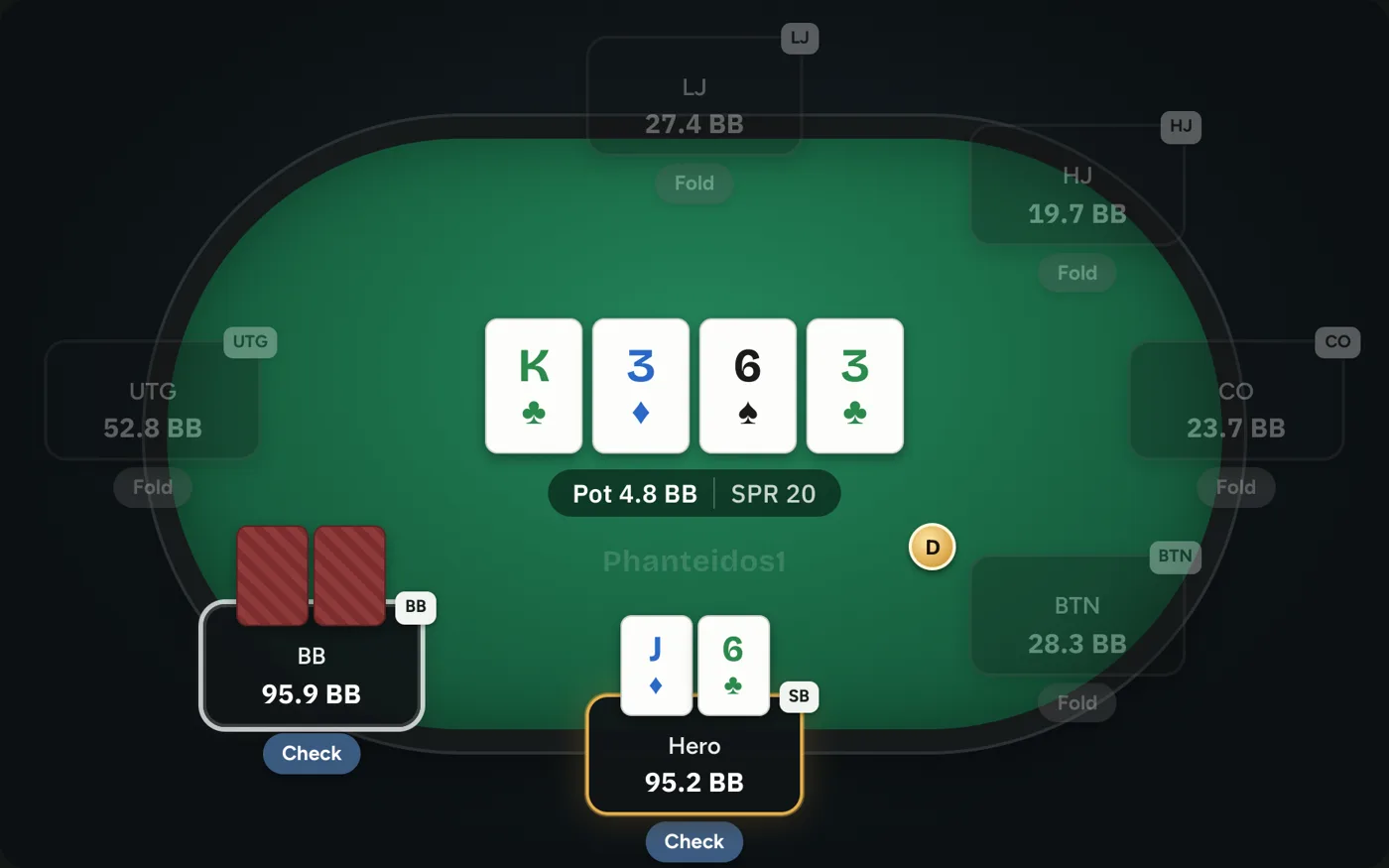
Open PokerCraft in the GGPoker client.
Go to your tournament or session results and download the hand histories.
Unzip the file, then drop the .txt into the replayer or paste the hands.
Yes. MTTs, Spin and Gold, and cash games all load. Each hand in the file shows up in the hand list.
You see the cards that were shown at showdown. GGPoker hides mucked cards in the history, so the replayer cannot show them.
Yes. Replaying, sharing and exporting are free, with no account.
Yes. Tap Ask a pro in the replayer, pick your hands and a coach reviews them for you.
