Turn a PokerStars hand history into a clean replay you can share. No download and no account: it runs in your browser.
Free. No account. Your hands stay on your device.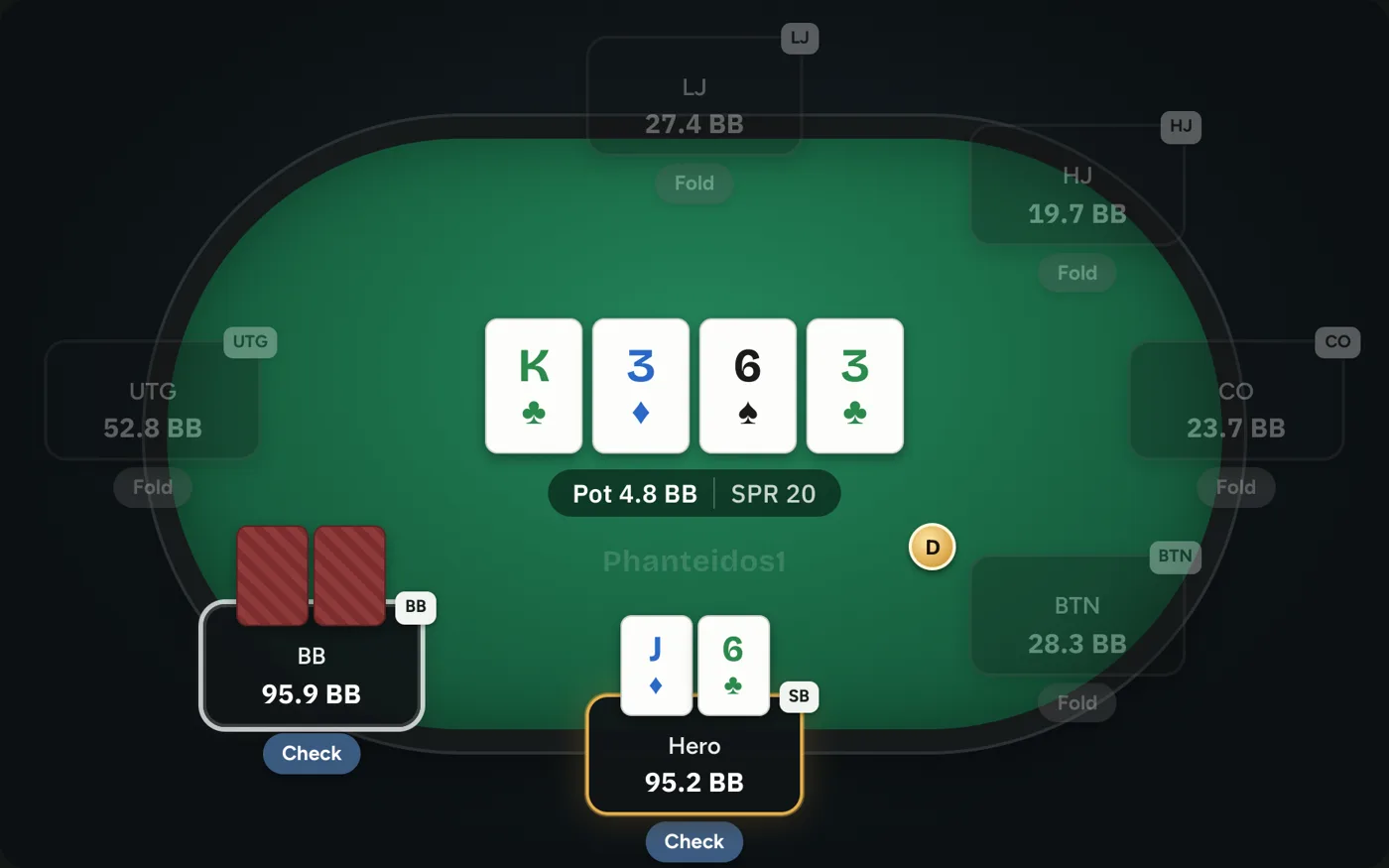
In the PokerStars client, open Settings, then Playing History.
Open your hand history folder.
Drop the .txt file into the replayer, or copy the hand and paste it.
Yes. Drop the full file and every hand shows up in a list you can jump through.
Yes, the PokerStars history format is the same for those games.
Yes. Replaying, sharing and exporting are free, with no account.
Yes. Tap Ask a pro in the replayer, pick your hands and a coach reviews them for you.
